
Mailchimp component
Table of Contents
Description
A robust connector designed to interface seamlessly with the Mailchimp API (v3.0). This component allows you to manage subscribers, handle unsubscriptions, and sync eCommerce customer data.
Credentials
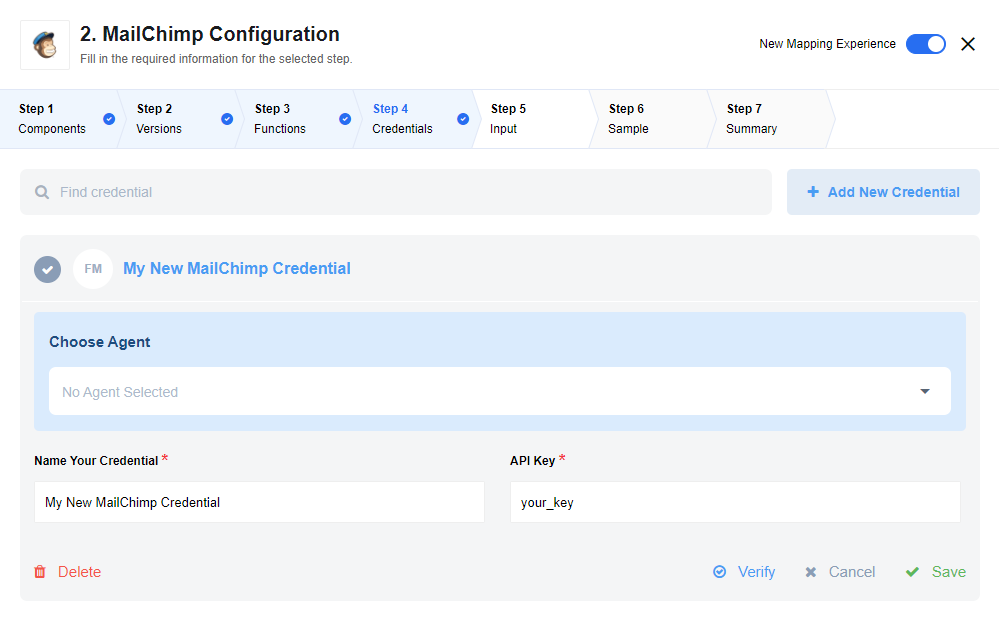
Authentication is handled via a Mailchimp API Key. You can generate this key within your Mailchimp account settings under Extras > API Keys.
Triggers
This component has no trigger functions. This means it will not be accessible to select as a first component during the integration flow design.
Actions
Add new Subscriber
This action adds a new member to a specified list or updates their information if the subscriber already exists (upsert).
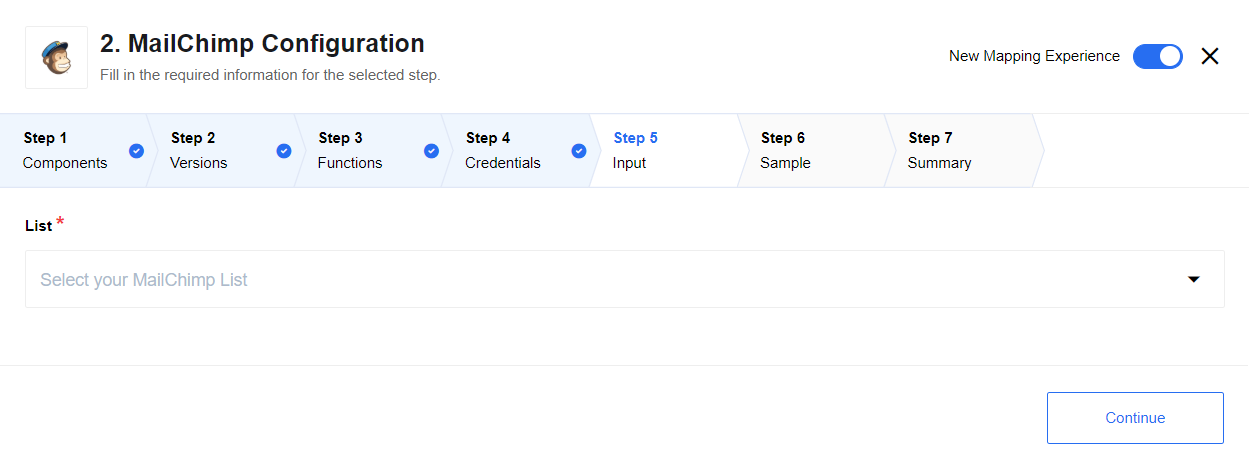
Dynamic Metadata: The mapping section for this action is dynamic. Once you select a Mailchimp List, the component automatically retrieves all specific Merge Fields (custom fields) defined for that list, allowing you to map them directly.
API Endpoint:
PUT /lists/{list_id}/members/{subscriber_hash}
See here for more information
Unsubscribe
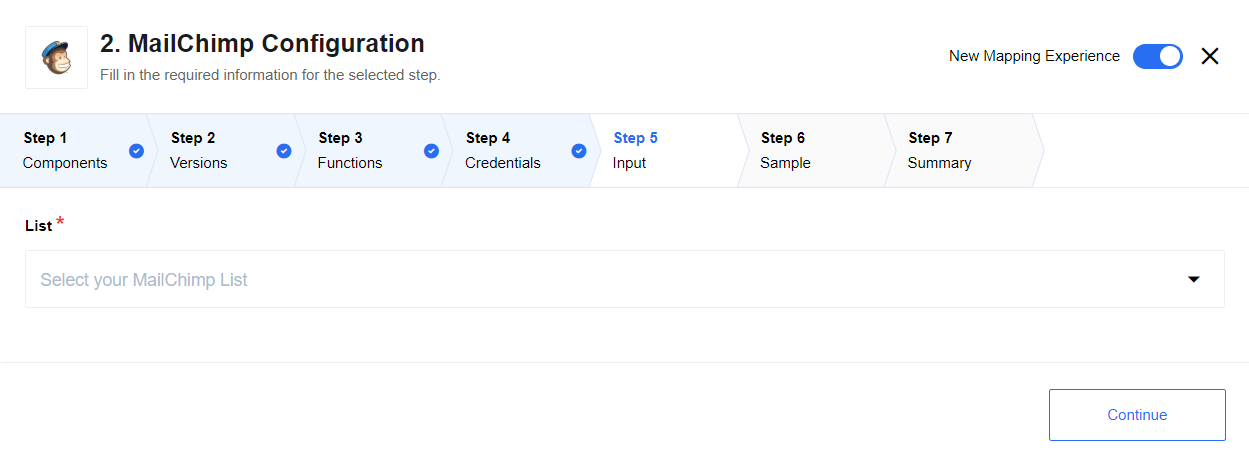
This action unsubscribes a user from a selected list. It utilizes a permanent deletion method within the Mailchimp API.
API Endpoint:
DELETE /lists/{list_id}/members/{subscriber_hash}
See here for more information.
Upsert Customer
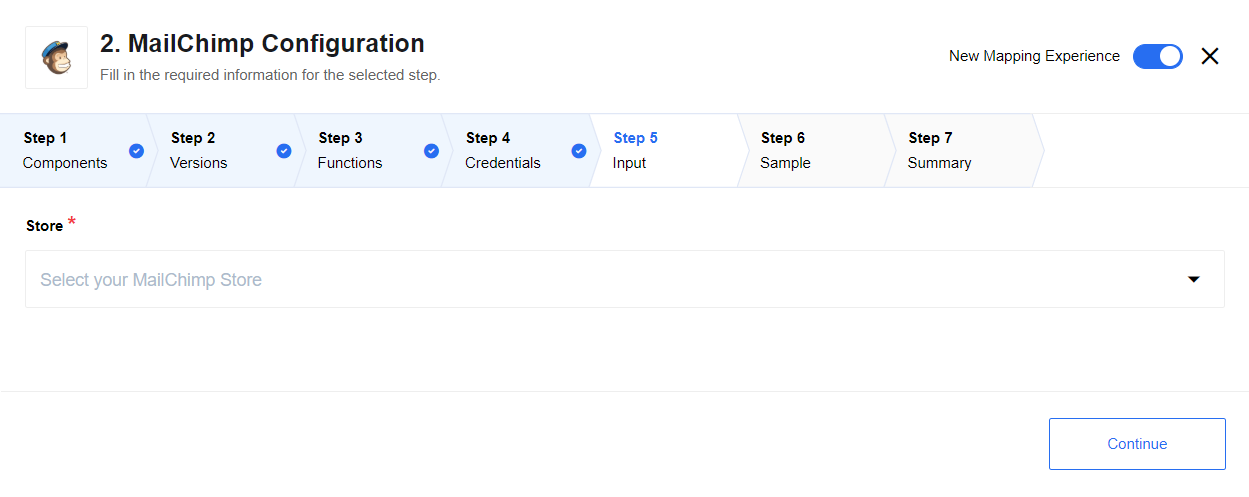
This action syncs customer data into a Mailchimp eCommerce Store. It creates a new customer record or updates an existing one based on the provided external ID.
API Endpoint:
PUT /ecommerce/stores/{store_id}/customers/{customer_id}
See here for more information.
Click here to learn more about the elastic.io iPaaS