
Stripe component
Table of Contents
Description
The Stripe component is designed for seamless integration with the Stripe API.
API Versioning
For the Make Raw Request action, users can specify a preferred Stripe API version (e.g., 2022-11-15) within the input metadata. If left blank, it defaults to version 2026-04-22.dahlia. Other actions (like Upsert or Lookup) use the default API version configured in your Stripe account dashboard.
Important Notes on Currency and Amounts
Smallest Currency Unit (Cents)
All amount fields in this component (e.g., unit_amount, balance, application_fee_amount) expect values in the smallest currency unit.
- For EUR, USD, and most other currencies, this means cents.
- Example: To set an amount of 10.50 EUR, you must provide
1050. Providing10.5or10will result in incorrect amounts (0.10 EUR or 0.10 EUR depending on the field).
Customer Balance Sign Convention
When working with the balance field in the Customer object:
- Positive (+) Values: Represent a debit (the customer owes you money). This increases the amount due on the customer’s next invoice.
- Negative (-) Values: Represent a credit (you owe the customer money). This decreases the amount due on the customer’s next invoice.
- Example: To give a customer a credit of 5.00 EUR, use
-500.
Environment variables
| Name | Mandatory | Description | Values |
|---|---|---|---|
API_RETRIES_COUNT |
No | Number of retry attempts for failed API requests (Default: 3). | Positive integer |
API_RETRY_DELAY |
No | Delay between retry attempts in milliseconds (Default: 10000). | Positive integer |
API_REQUEST_TIMEOUT |
No | Timeout duration for HTTP requests in milliseconds (Default: 15000). | Positive integer |
Credentials
The component requires the following configuration:
- API Key (string, required): Your Stripe Secret Key. For more information, refer to the Stripe API Key documentation.
To verify credentials request GET https://api.stripe.com/v1/charges with your Secret Key is used. So if you are restricted to make this API call - simply skip credentials verification.
Actions
Make Raw Request
Executes a custom HTTP request against the Stripe API.
Configuration Fields
- Don’t throw error on 404 or 402 Response: (optional, boolean): If enabled, 404 (Not Found) and 402 (Request Failed) responses will be treated as successful operations rather than errors. Defaults to
false.
Input Metadata
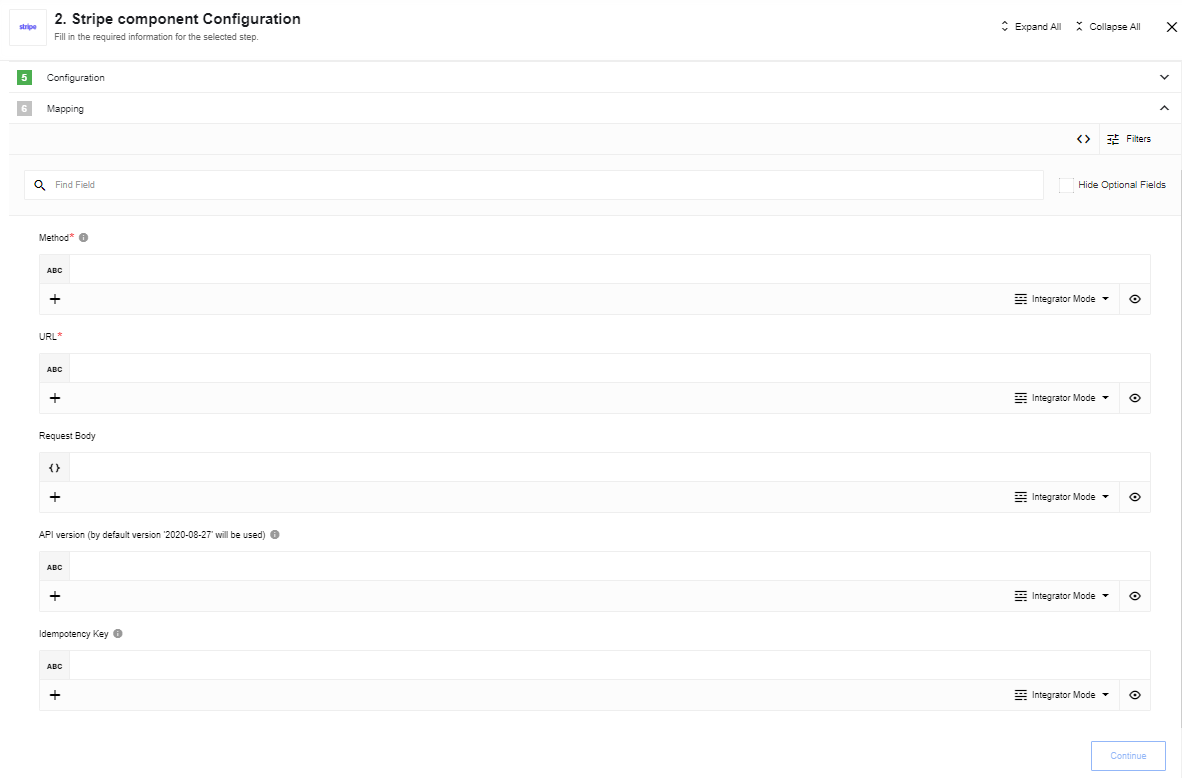
- Method: (string, required): The HTTP verb to use (
GET,POST,PUT,PATCH,DELETE). - URL: (string, required): The resource path relative to
https://api.stripe.com. - Request Body: (object, optional): The payload to be sent with the request.
- API Version: (string, optional): The specific Stripe API version to use (Defaults to
2026-04-22.dahlia). Refer to Stripe’s versioning and API changelog for details. - Idempotency Key: (string, optional): A unique identifier used by Stripe to recognize retries of the same request, preventing duplicate operations. A UUID is recommended. See Stripe’s Idempotent Requests for more information.
Output Metadata
- Status Code: (number, required): The HTTP status code returned by the server.
- HTTP Headers: (object, required): The response headers.
- Response Body: (object, optional): The JSON payload returned by the server.
Usage Example
As of the component version 1.1.0, the request body can be provided as a standard JSON object. This is a significant improvement over version 1.0.0, which only supported application/x-www-form-urlencoded formatting.
As an example we’ll be using the Payment Links endpoint.
Version 1.1.0 (Recommended)
You can now use a clean JSON structure:
{
  "method": "POST",
  "url": "v1/payment_links",
  "data": {
    "line_items": [
      {
        "quantity": 3,
        "price": "price_1MJXtjGB4S5N5BY8ymGY6TWC"
      }
    ]
  }
}
Version 1.0.0 (Legacy Support)
The legacy form-encoded style remains supported for backward compatibility:
{
  "method": "POST",
  "url": "v1/payment_links",
  "data": {
      "line_items[][quantity]": 3,
      "line_items[][price]": "price_1MJXtjGB4S5N5BY8ymGY6TWC"
    }
}
Lookup Objects (plural)
Retrieves a collection of objects based on specified criteria using Stripe’s Search API.
To refine your search, construct a query using the Stripe Search Query Language.
Please Note: When configuring queries on the platform, use single quotes (
'') instead of double quotes ("").
Query Examples:
name:'Joe' AND -phone:'000': Finds objects named ‘Joe’ that do not have the phone number ‘000’.amount>100 OR status:'succeeded': Finds objects with an amount greater than 100 or a status of ‘succeeded’.
Configuration Fields
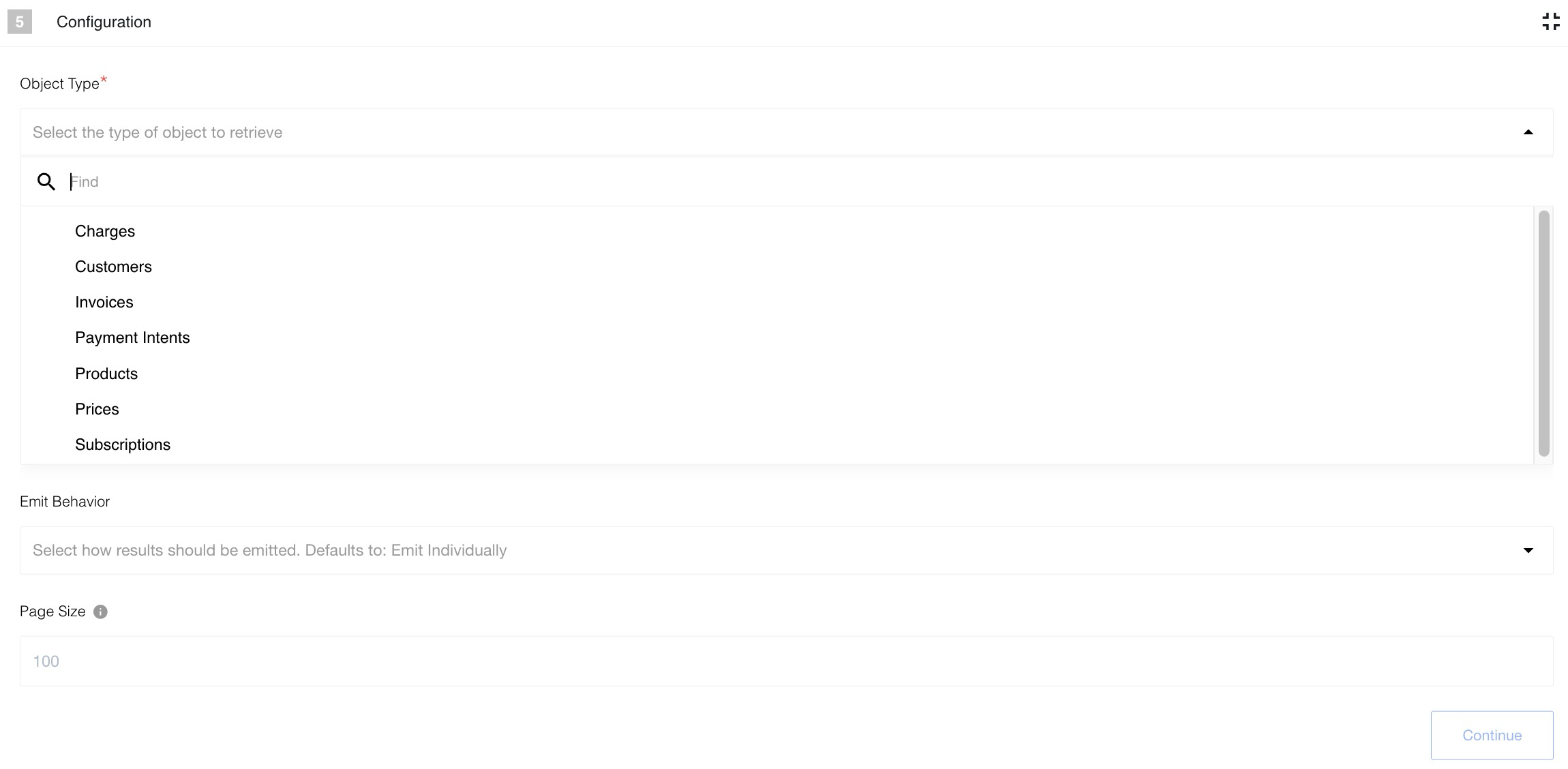
- Object Type: (dropdown, required): The type of object to retrieve. Supported types:
- Charges
- Customers
- Invoices
- PaymentIntents
- Prices
- Products
- Subscriptions
- Emit Behavior: (dropdown, required): Determines how the results are processed:
Emit all,Emit page, orEmit individually. - Page Size: (number, default: 100, max: 100): The number of records to fetch per API request.
Input Metadata
- Query: (string, required): The search query string.
Output Metadata
- Emit All / Emit Page: Returns an object with a
resultskey containing an array of objects. - Emit Individually: Emits each object as a separate message.
Upsert Object
Creates a new object or updates an existing one if an ID is provided.
Configuration Fields
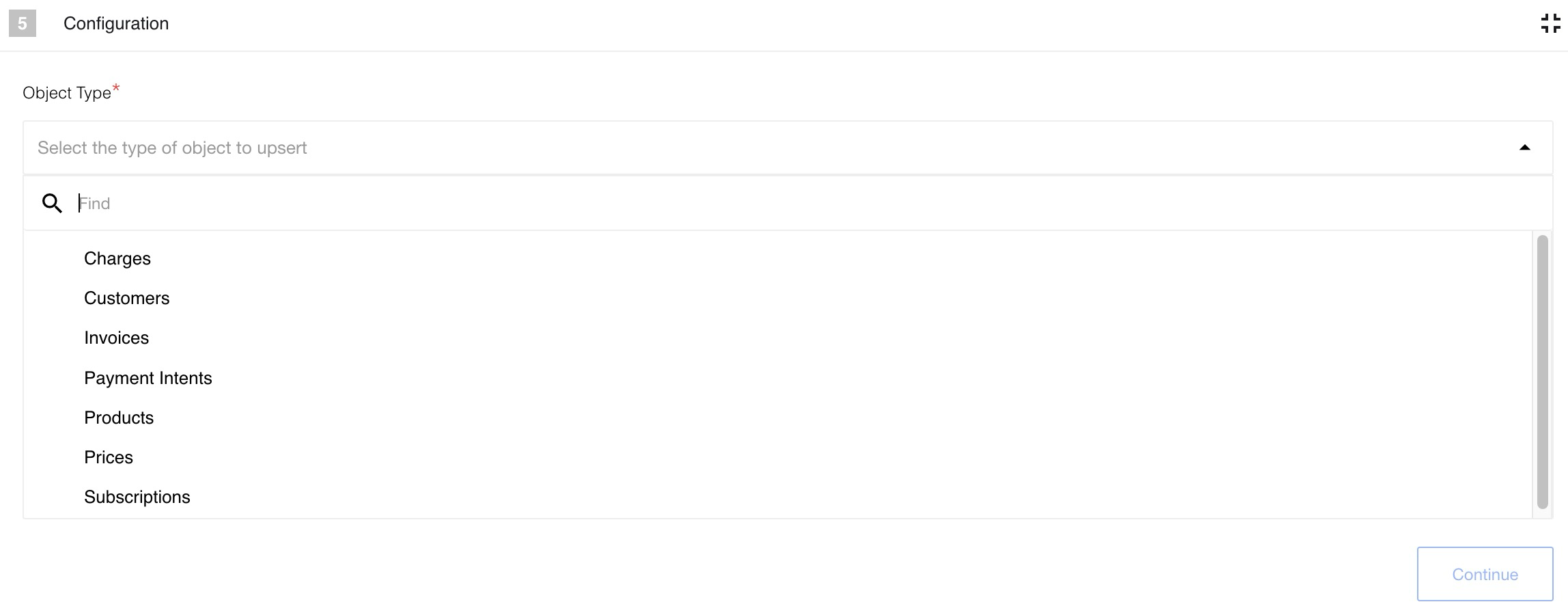
- Object Type: (dropdown, required): The type of object to upsert. Supported types:
- Charges
- Customers
- Invoices
- PaymentIntents
- Prices
- Products
- Subscriptions
Input Metadata
- ID: (string, optional): If provided, updates the existing object. If omitted, creates a new one.
- Metadata: (array of objects, optional): Set of custom key-value pairs that you can attach to an object. Each object should have
keyandvalueproperties. Note: Keys must be unique; if duplicate keys are provided, the last one will overwrite the previous ones. - Other fields: Depends on the selected Object Type.
Usage Examples
Create a New Customer
To create a new customer with custom metadata:
{
  "name": "John Doe",
  "email": "john.doe@example.com",
  "description": "Premium subscriber",
  "metadata": [
    { "key": "internal_id", "value": "ID-9988" },
    { "key": "marketing_source", "value": "Google Ads" }
  ]
}
Update an Existing Customer
To update an existing customer by providing their Stripe ID:
{
  "id": "cus_Rlgm7L8v8G5N5B",
  "description": "Updated description",
  "metadata": [
    { "key": "status", "value": "verified" }
  ]
}
Output Metadata
- JSON Body: The complete JSON response from Stripe after the create or update operation.
Triggers
This component has no trigger functions. This means it will not be accessible to select as a first component during the integration flow design.
Click here to learn more about the elastic.io iPaaS